
Setup Guide for your NFC product
Step 1
Get your Review Link
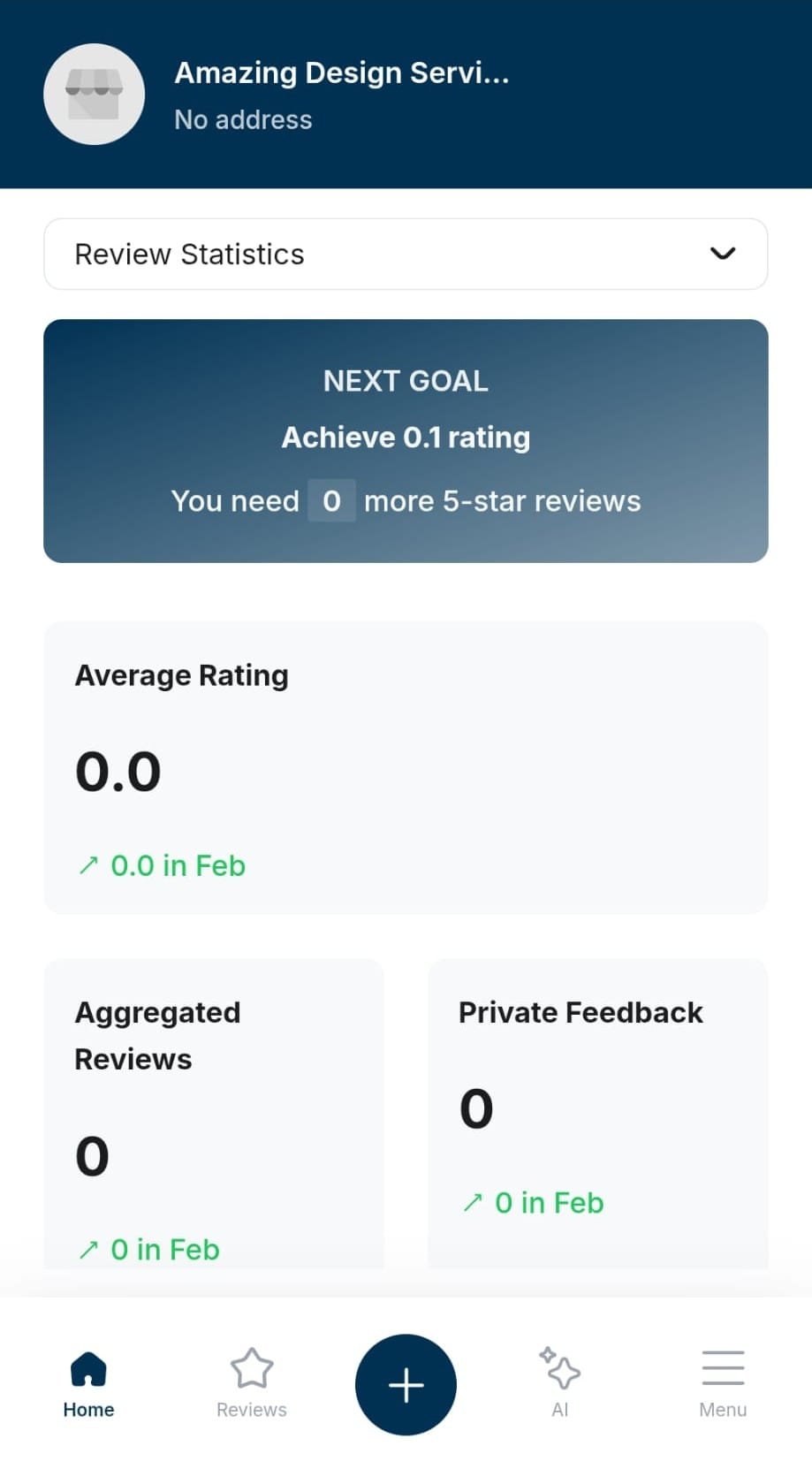
Log in to the Review Velocity Dashboard on your phone.
Click the Plus button at the bottom of the screen
Click Copy Link
This is the link we need to programme into the NFC product.
Step 2
Download the “NFC Tools” App
On your Mobile Phone Go to the App Store / Play Store and download an app called NFC Tools.
Links are below to download
For Android Users Click Here
For iPhone users Click Here
Step 3
Add the link to be written
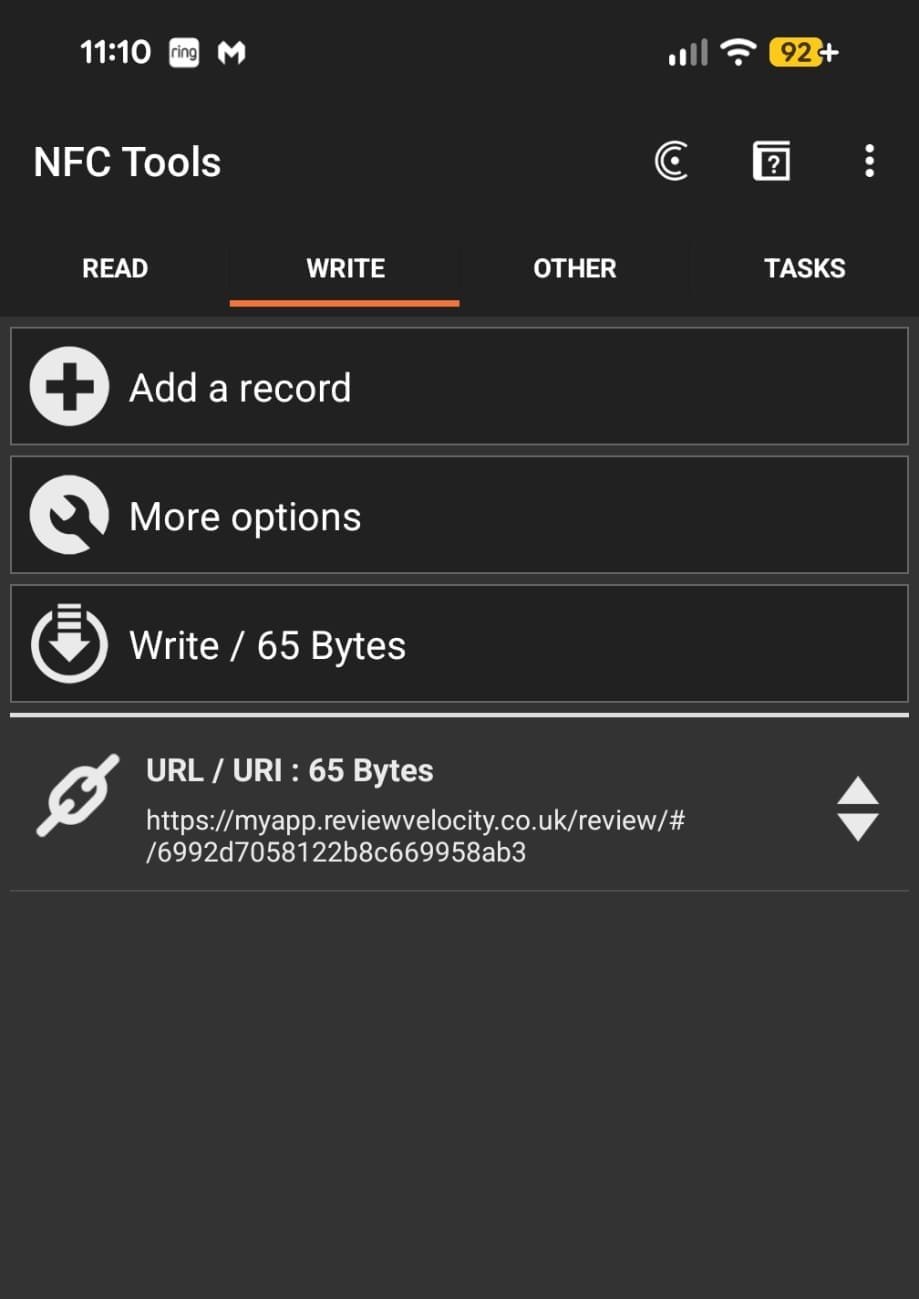
Open the NFC Tools app on your phone
Click on the “Write” tab
Click on Add a record
Click Custom URL/URI
Paste the Copied Link from the dashboard
Step 4
Write the link to your product
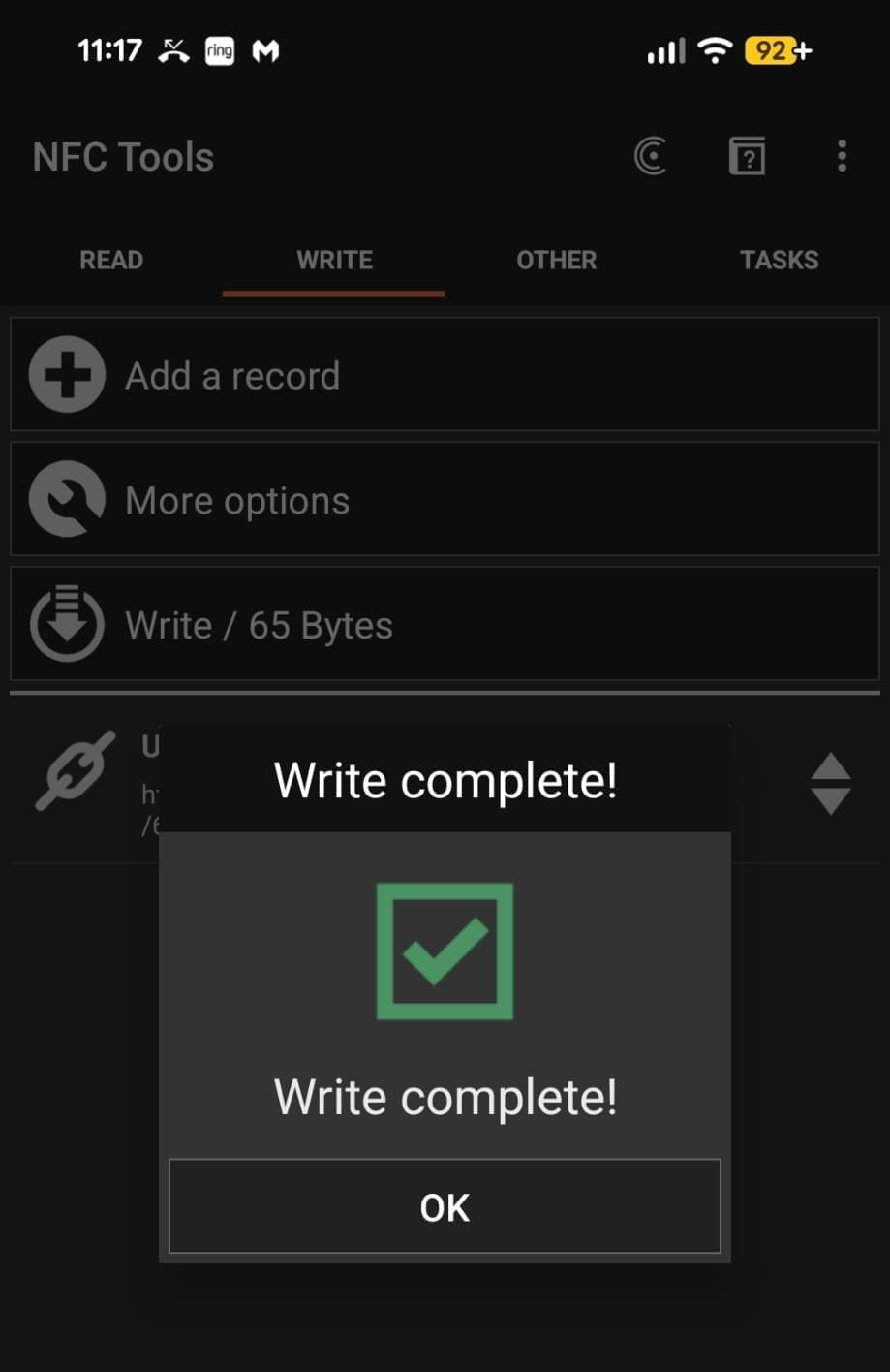
Click Write / xx Bytes
Tap the phone on your review card /stand
Success!!! Your review stand is now preloaded with your link and ready to use
Please get in touch via WhatsApp if you have any questions.
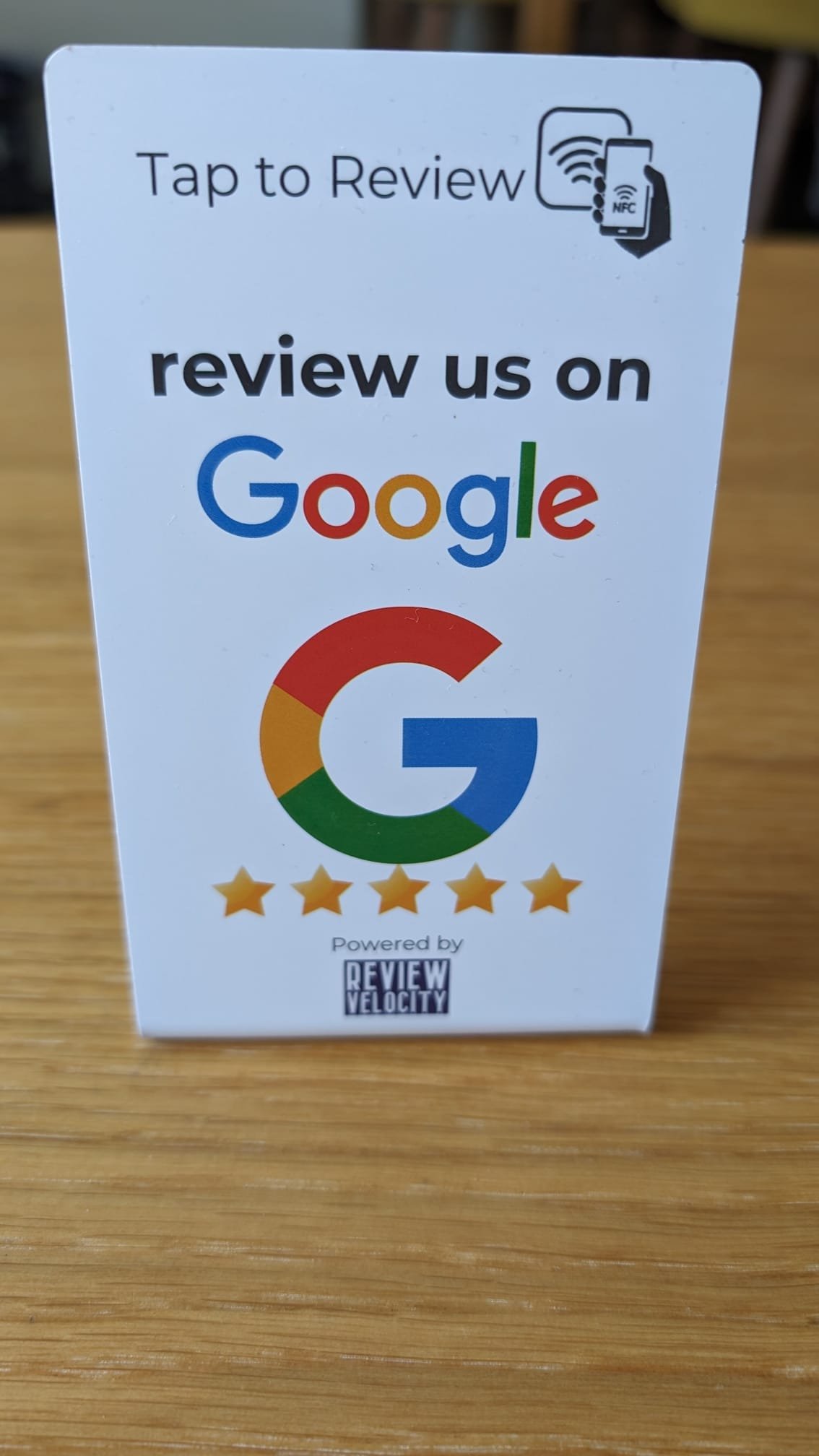
Tap to Review Cards & Stands
We make it as easy as possible for your clients to leave you a review. We have encorporated NFC technology as used in tap to pay into our system. This means we can supply you with touch points you can use in your business where customers simply have to tap to leave a review!
We have solutions for all industries to help grow your reviews!
"Tap to Review" Restaurant Cards for Billing Wallets
"Tap to Review" Keyrings for tradesmen
"Tap to Review" Coasters... plus many more!
Satisfaction Guaranteed
14 Day Free Trial
No Credit Card Required
Seriously, what have you got to lose? We are currently offering a 14 day free trial and a free onboarding call to get your business setup with no fuss!